Istanbul Car Rental Route Planning: Live Traffic and ETA
Published: November 3, 2026 • Reading Time: 6 min • Last Updated: November 3, 2026 • Author: Merve B.
Learn to read live traffic colors, changing arrival estimates, and alternate routes for a more realistic drive plan in Istanbul.
Contents
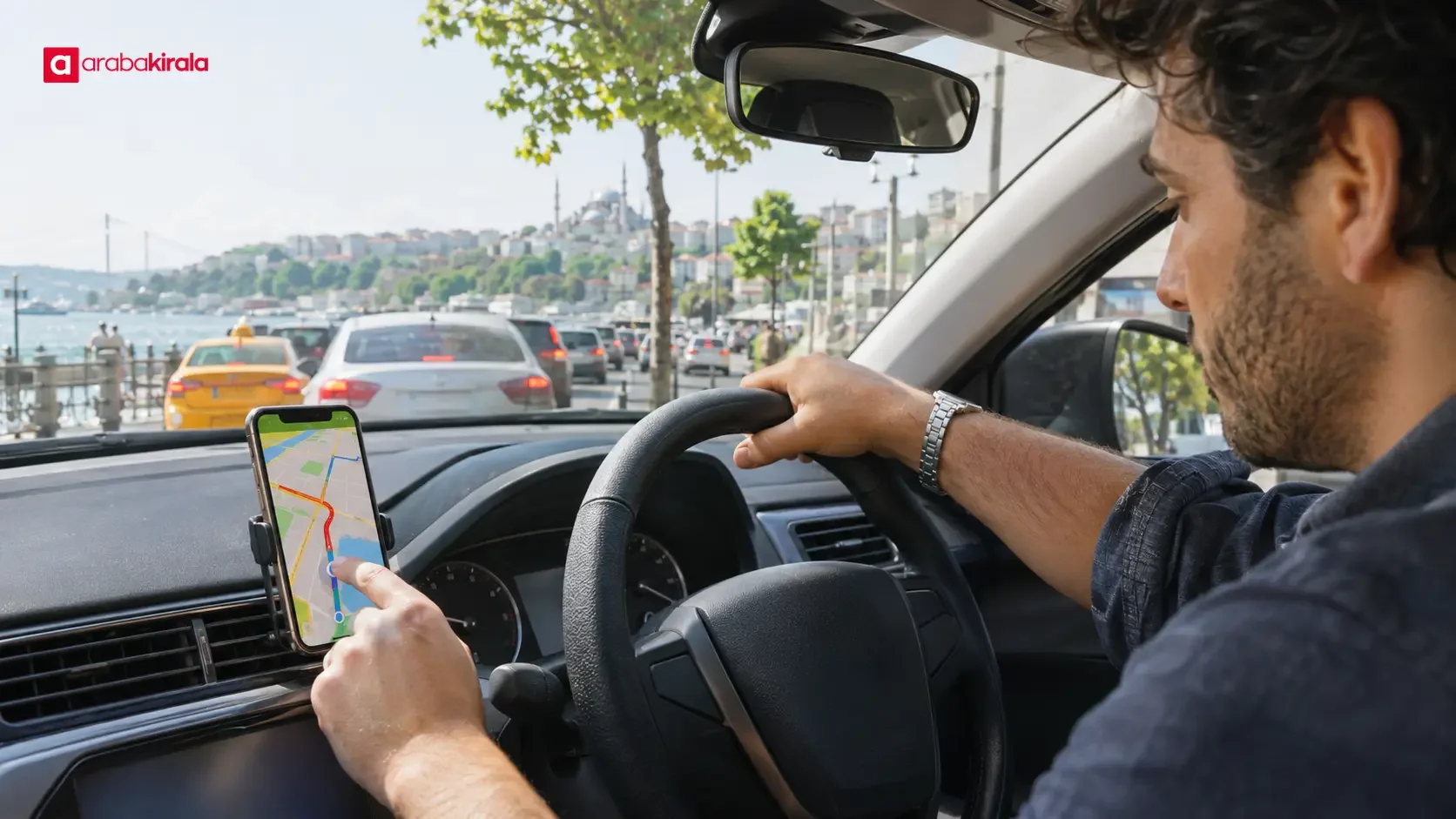
Istanbul car rental route planning is easier when you read live traffic, estimated arrival time, and alternate routes together. This guide explains what traffic colors can tell you, why arrival estimates change, and how to make a practical city driving plan while keeping attention on the road.
What a live traffic map shows
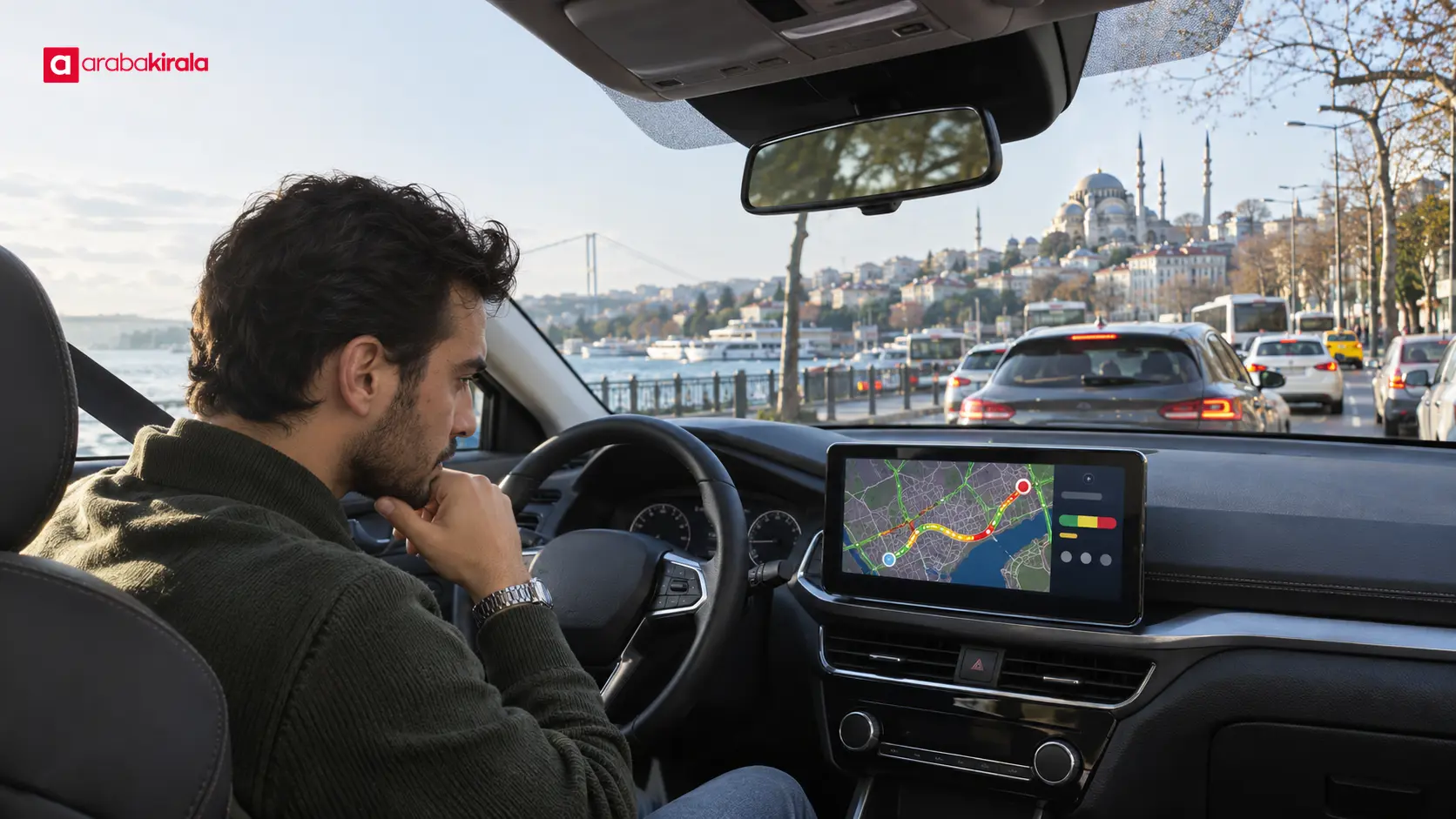
Navigation apps often use colors along road segments to depict traffic flow. Green, yellow, orange, or red commonly indicate different levels of movement or slowdown. The exact meaning and thresholds vary by app, so check its legend instead of assuming that every map uses the same scale.
A colored segment does not by itself confirm a crash, road closure, or roadwork. Traffic information may draw on connected devices, sensors, and other inputs, and its coverage and refresh rate can vary. The map is a useful indication of conditions around the time the data was collected, not a guarantee of what you will encounter.
One dark red section does not mean that the entire journey is moving at the same pace. A bottleneck, junction, bridge approach, toll area, or short queue may affect the overall estimate. Look at where the slowdown begins and ends, and how much of the route it covers.
How to read an estimated arrival time
An arrival estimate is a forecast based on the selected route and available traffic information. The app may revise both the travel duration and arrival time as new information arrives. If the estimate rises while you are moving, the app may have detected slower conditions ahead; if it falls, traffic may have eased or the route may have been recalculated.
Do not treat the first number shown as the complete time needed for the outing. Getting out of a parking space, familiarizing yourself with the car, setting navigation, stopping briefly, and finding the right entrance or parking area can add time. For an appointment, leave a personal buffer above the app's estimate.
Distance and duration measure different things. A shorter route can take longer when it includes busy junctions or slow connectors. A longer ring road option may be quicker when traffic flows well, though road type, access, and any displayed toll information also matter.
Comparing route options in Istanbul
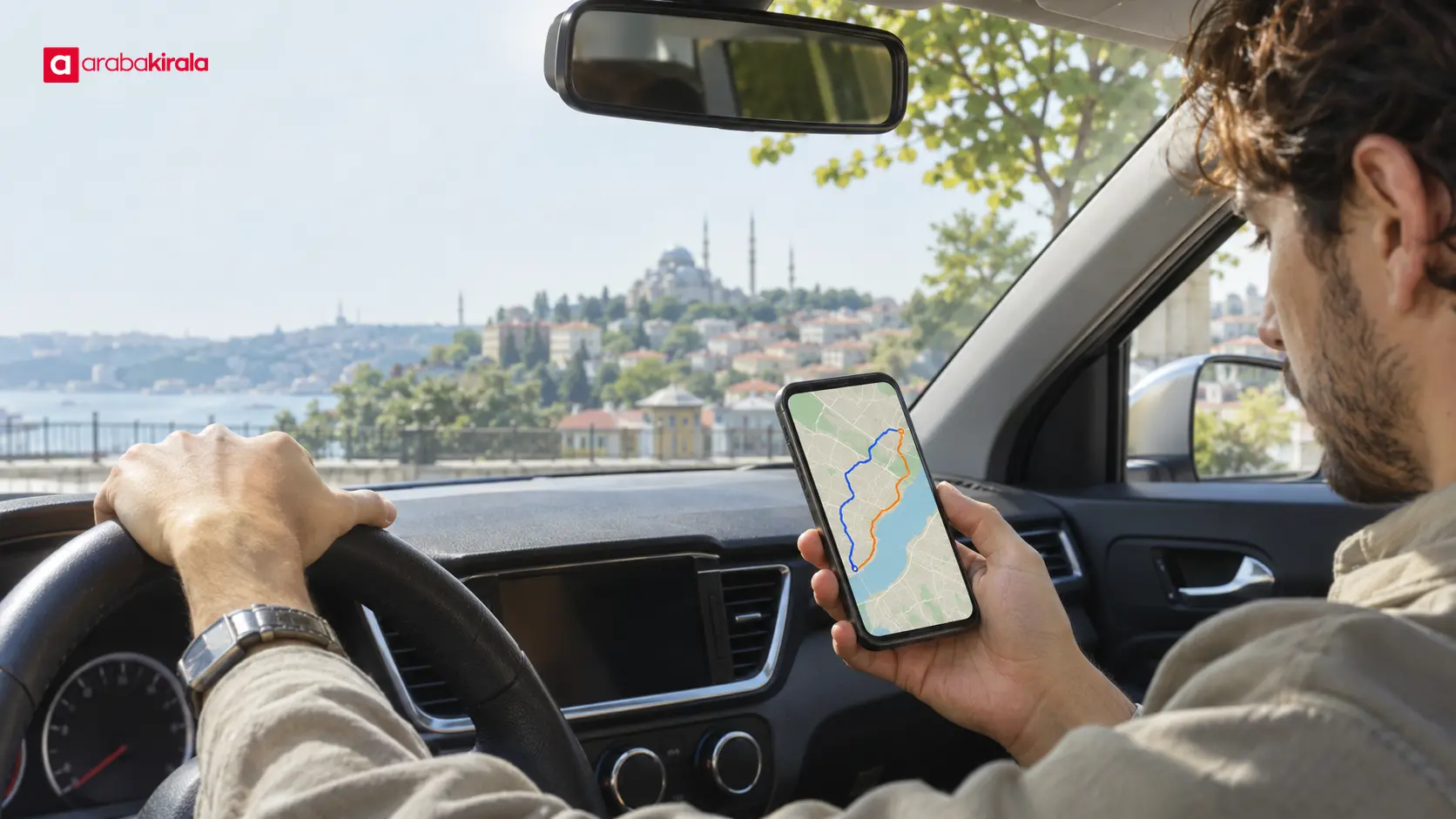
Between two destinations, Istanbul routes may use a bridge, tunnel, major avenue, or local streets. The fastest option shown is not automatically the easiest one to drive. Before setting off, compare the alternatives by estimated duration, distance, traffic pattern, road type, and any toll information the app displays.
An alternate route may avoid a crowded section but lead through unfamiliar streets, more turns, or narrower roads. Consider your familiarity with the area, weather, vehicle size, and passenger needs. Use traffic information as an input, while choosing a route that remains clear and manageable for you.
Focusing only on a small difference in minutes can be misleading. If a route saves a little time but involves complicated junctions or repeated lane changes, a simpler route may be more comfortable. Set navigation before moving; if you need to change the route, do so when safely stopped.
Practical preparation before departure
Confirm both locations: Places can have similar names or multiple entrances. Check the exact destination pin and which side provides access.
Consider departure time: Traffic can vary by time of day and along the route. Do not treat an estimate as a fixed duration that applies at every hour.
Review two route options: Consider distance, road type, and the number and complexity of turns as well as the time estimate. Check displayed toll information when available.
Set up the phone first: Adjust navigation audio and display while the car is parked. Do not handle the phone while driving; use a suitable mount and vehicle connection where available.
Leave a time buffer: The estimate can change, and parking, locating an entrance, or an unexpected delay can take extra time.
Limits of live traffic information
Even when a map appears current, it may not be equally detailed or up to date on every road. A newly formed queue can take time to appear. Data may be less available in tunnels, on rural connectors, or where mobile coverage is weak. The screen and road conditions may therefore differ at times.
If the app shows an incident icon, consider the information alongside road signs and instructions on site. Do not change lanes or make a sudden maneuver based only on the map. Road signs, traffic officers, and safe driving requirements take priority. Keep your attention on the road rather than the display.
If data service drops, an app may continue to show a previously loaded map or route, while live traffic updates may stop. Before leaving, check that the map and spoken guidance work. If connection problems make the route unclear, stop somewhere safe before checking your location and directions again.
Planning a city route in a rental car
If you are driving an unfamiliar rental car, learn the mirrors, lights, wipers, gear selection, and phone connection before moving. Screen layouts and controls differ between vehicles. Setting up navigation while parked can reduce distraction at the first intersections.
If a detail specific to your reservation or pickup location matters for your route, ask the branch where you will collect the car. Such details can depend on the location and reservation. A general traffic estimate is not a rental condition; navigation is simply one tool to support your trip decisions.
If congestion extends the journey, stay calm and leave a safe following distance. Do not try to recover time by speeding or making risky lane changes. If passengers need an updated arrival estimate, share it when the car is stopped rather than while driving.
Finish the route decision with a quick check
Before departure, review the destination, estimated duration, alternate route, and navigation audio. Treat map colors as an approximate indication of traffic flow rather than confirmation of a specific incident. Do not put an updated estimate ahead of safe driving.
The most useful approach to Istanbul car rental route planning is to treat live information as a starting point, then consider road type, time, weather, and a personal time buffer. Next, review the route while parked and ask your pickup branch directly about any location-specific detail you need to know.
Frequently Asked Questions
Does a red segment on a live traffic map mean the road is closed?
No. Colors usually indicate slower or heavier traffic; they do not by themselves confirm a closure or crash. Check the app's legend and follow signs and instructions on the road.
Why does the estimated arrival time change during a trip?
The app may receive new traffic data, recalculate the route, or detect changing flow along the way. The displayed time is a current forecast, not a fixed promise.
Is the shortest route always the fastest?
No. A shorter route can have busy junctions or slow connectors. A longer route may flow better, so compare duration, road type, and route complexity together.
What should I do if navigation suggests a different route while I am driving?
You do not need to follow the suggestion immediately. Continue safely and stop at an appropriate place if you need to review the options. Avoid sudden lane changes and follow road signs.
Can I still use navigation if my phone loses its data connection?
That depends on the app and whether a map was downloaded in advance. Basic guidance may continue, while live traffic updates may be affected. Check offline options before leaving.
Who can clarify a route or crossing detail tied to a rental car?
Ask the branch where you will collect the vehicle about details tied to your reservation or pickup location. A route recommendation on a navigation screen does not explain rental conditions or vehicle-specific arrangements.
Related Articles
- Planning Comfortable City Driving When Renting a Car in Istanbul
- Planning the Route from an Istanbul Rental Pickup Point to a Main Road
- Watching for Cyclists and Pedestrians While Driving in Istanbul
Legal Disclaimer: All content, articles and information on the Araba Kirala website are provided solely to inform users. No information shared on this website constitutes definitive advice or guidance. Araba Kirala Teknoloji A.Ş. and its authors cannot be held responsible for any direct or indirect damages arising from the application of information on the website. For all questions and requests regarding car rental, please contact the office from which you will rent your vehicle.
 Add ArabaKirala as a preferred source on Google