How to Save a Rental Car’s Parking Spot and Floor
Published: November 3, 2026 • Reading Time: 7 min • Last Updated: November 3, 2026 • Author: Merve B.
Learn to record a rental car’s location, garage floor, row, and nearby landmarks so you can find it again during your trip.
Contents
- Why a parking record helps
- Set up a simple system before parking
- Details worth recording
- Save a location on your phone map
- Add floor and landmark details in covered garages
- A compact note format
- Use a photo with a written note
- Keep the record current as the trip continues
- Start the routine at vehicle pickup
- In brief: a small note makes the return easier
- Frequently Asked Questions
- Related Articles
Rental Car s Parking directly describes the main subject covered in this guide. Rental car parking location is easiest to remember when you record more than a map pin. Note the garage floor, parking row, and a nearby landmark so the information still helps when phone positioning is imprecise. This guide explains how to save a location on your phone, what extra details matter in covered garages, and how to keep the record current as your trip moves from one stop to another.
Why a parking record helps
For Rental Car s Parking, the practical points below should be considered together. Large garages and unfamiliar streets can make rows of similar vehicles difficult to distinguish. A map may place a pin near the car without telling you which level or entrance you used. The problem is especially clear in covered parking, where several floors can occupy the same point on a two-dimensional map.
A useful record combines three kinds of information. A map pin helps orient you outdoors. A floor and row description narrows the search indoors. A photo of the surroundings provides a visual cue. These details complement each other, so you do not need to depend on one tool alone.
Set up a simple system before parking
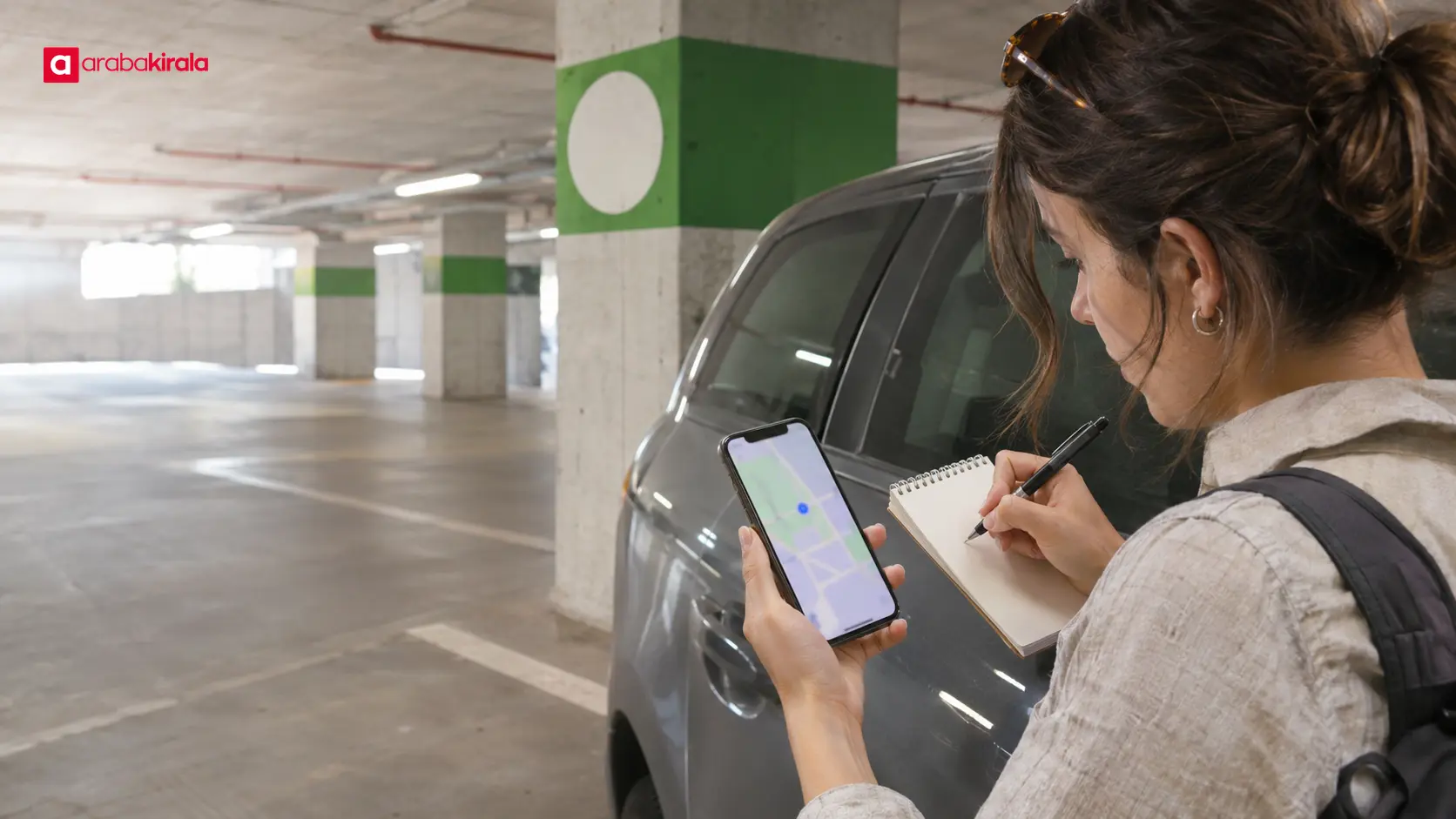
Open one note on your phone or use the saved-place feature in your preferred map app. If you park at several places during the day, give each entry a short location label and time. Keep new locations separate from old ones instead of overwriting the previous entry; that makes the latest spot easy to identify.
Consider your battery and phone settings. Mapping and photography use power, so a nearly empty battery may make an app-only record unreliable. A short written note is a practical backup. You can keep the routine brief and use the same order each time.
Details worth recording
- Save a map location near the vehicle and give the pin a clear name.
- In a garage, note the floor, section, row, or parking-bay code if available.
- Record a stable nearby landmark, such as a stairwell, elevator, entrance, or colored column.
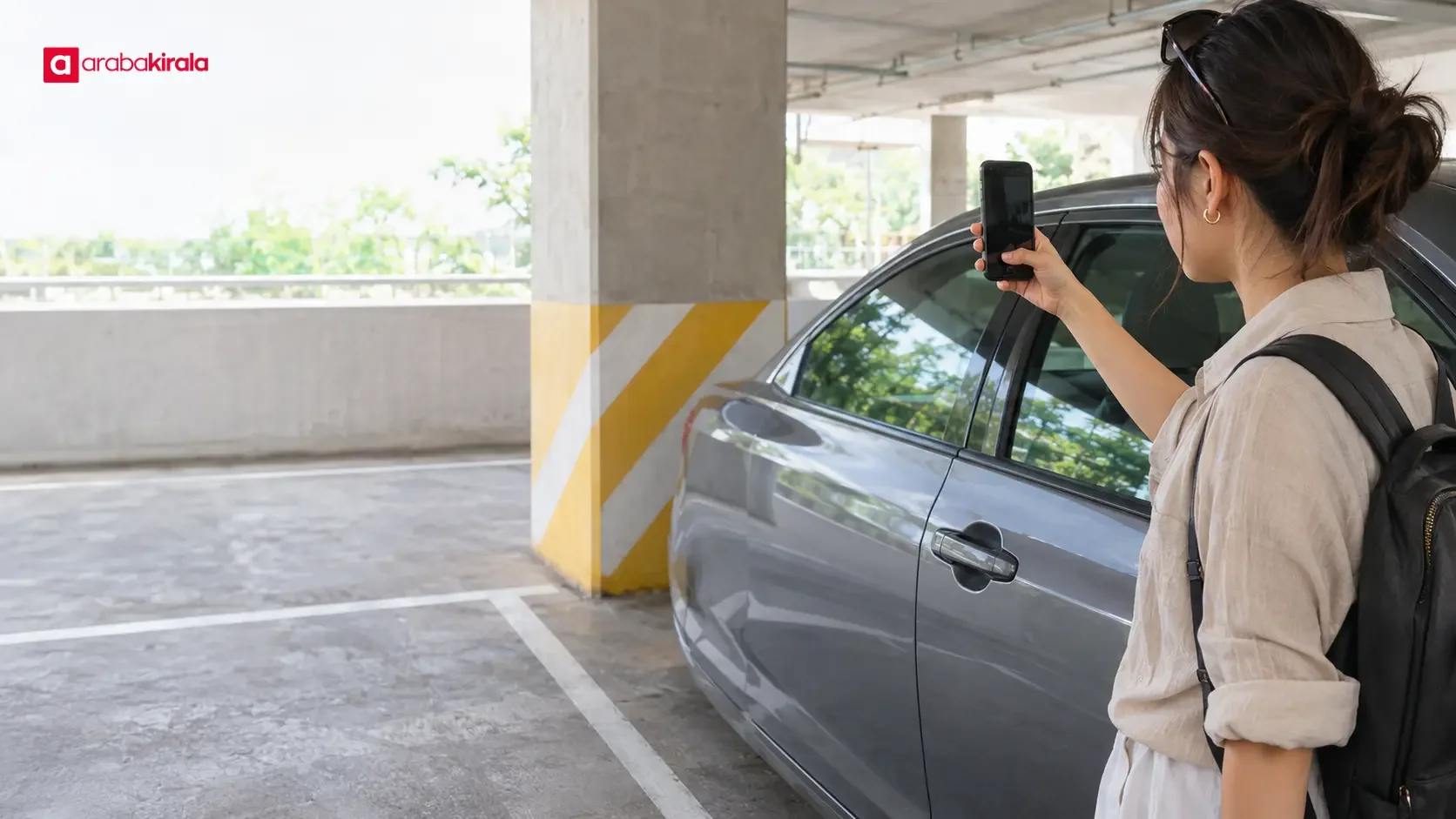
- Take a photo that shows the row and a useful surrounding feature.
- Add a time or short context, such as the venue you are visiting.
Save a location on your phone map
After parking, leave the vehicle safely and check whether the map’s current-position marker is close to where you are standing. Map apps differ, but many let you tap the position marker to drop a pin or add a saved place. Give the saved point a name you will recognize. Check that it marks the parking area rather than only the facility’s main entrance.
A pin does not necessarily mark the exact parking space. Phone positioning can be affected by signal conditions and the building around you. Pair the pin with a floor and row note. In an outdoor lot, the row and a landmark photo are still useful if the pin lands near the center of a large area.
Add floor and landmark details in covered garages
Concrete floors and enclosed spaces can weaken satellite signals. Your phone may show a point on another level or outside the building. If that happens, use the physical details first: floor number, section, row, elevator, and direction from the entrance. Refreshing the map repeatedly may not resolve a positioning error.
If levels use colors, include the color in your note. In a facility with several elevators or entrances, record which one you used. When taking a photo, frame your vehicle with a fixed nearby feature so the relationship between them is clear. Avoid sharing images that include people’s faces or other vehicles’ license plates; keep them for your own reference.
A compact note format
Use a consistent pattern such as “facility or destination — floor — section or row — nearby entrance or elevator — map pin.” A note like “near the north entrance, B2, by the blue column” is more useful than simply writing “garage.” This is an example of a format, not a claim that every garage uses the same labels or layout.
Use a photo with a written note
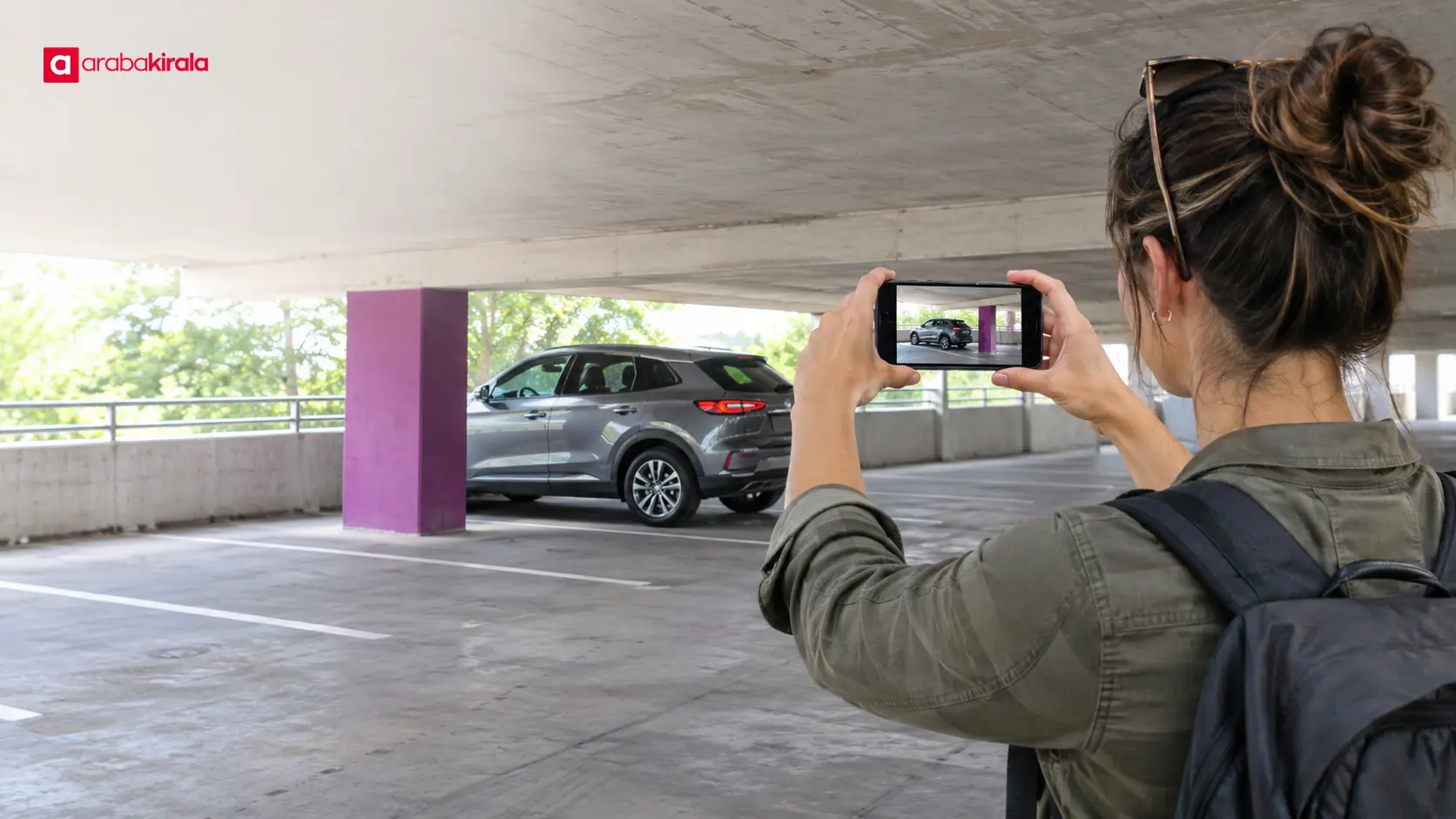
A photo helps you remember shapes, colors, and the direction of nearby features. A written note captures information that may not be obvious in the image, such as a floor number. Take one wide photo after parking, and add a second frame if it helps show the relation between the car and a landmark. Keep the image with the matching note or in a dedicated album so it is easy to find later.
Some facilities may restrict photography, and a sign or display may not be suitable to photograph. Follow the facility’s rules. If you cannot take a photo, write down the floor and section, describe a stable landmark, and save the map location when possible.
Keep the record current as the trip continues
When you move the vehicle, add a new entry with a time or location label so the earlier parking record is not mistaken for the current one. After returning to the car, mark the old entry as complete or remove it. If several people use the vehicle, share the current spot in one common note or message thread. Separate, outdated records can point people to different places.
You can also note the facility name, entrance, and walking route from the parking area to your destination. In a large complex, remembering which door you used can make the return walk easier. Check your phone while standing safely; do not keep looking down at the screen while walking through traffic areas.
Start the routine at vehicle pickup
When you collect the rental car, pay attention to the pickup area and the exit you use. If the pickup location is large or has multiple levels, record the row and a nearby landmark before driving away. That note can help you return to the correct area later. Keeping parking notes distinct from your other trip records also makes the information easier to scan.
A parking pin only helps you remember a location; it does not replace pickup directions or vehicle handover information. If you are unsure about a vehicle-related step or the designated pickup point, confirm the details with the branch where you are renting.
In brief: a small note makes the return easier
A helpful parking record includes a map pin, the floor and row, a nearby landmark, and a photo when appropriate. The pin may be more helpful outdoors; the floor and section description often matter more in a covered garage. Update the record each time you move the vehicle and clearly distinguish new entries from old ones.
At your next stop, start one phone note and record these details in the same order. In a large facility, add the entrance you used. This simple rental car parking location routine can become part of each stop without adding much effort.
Frequently Asked Questions
Will my phone map show the exact parking space?
Not always. Position accuracy can fall in covered garages and near tall buildings, leaving a pin close to the vehicle but not on its exact space. Add the floor, row, and a fixed landmark to make the record more useful.
How can I save the spot without an internet connection?
Write down the floor, section or row, and the entrance or elevator you used. A photo can provide another cue. If your map app supports offline saving, use that feature, but keep the written note as a backup because app behavior varies.
Should I make a new entry every time I move the car?
Yes. A separate entry with a time and place label prevents an older spot from looking current. Mark the previous entry as complete or remove it after you have returned to the vehicle.
Can I remember the parking place without taking a photo?
Yes. A concise written description of the floor, section, row, entrance, and nearby landmark can be enough. A photo is an additional visual cue, not the only way to record the location.
How should several drivers share the parking location?
Use one shared note or message thread and keep it updated whenever someone moves the vehicle. A single current record reduces confusion caused by separate notes that no longer match the car’s location.
Related Articles
- Parking a Rental Car: Check Size and Surroundings
- How to Adjust a Rental Car for a Long Drive: Seat, Steering Wheel and Driver Aids
- Planning Breaks and Driver Fatigue for a Rental Car Trip in Istanbul
Legal Disclaimer: All content, articles and information on the Araba Kirala website are provided solely to inform users. No information shared on this website constitutes definitive advice or guidance. Araba Kirala Teknoloji A.Ş. and its authors cannot be held responsible for any direct or indirect damages arising from the application of information on the website. For all questions and requests regarding car rental, please contact the office from which you will rent your vehicle.
 Add ArabaKirala as a preferred source on Google